
All Cursor Packs
Browse our full collection of custom cursors. Find your next favorite style and install it for free.
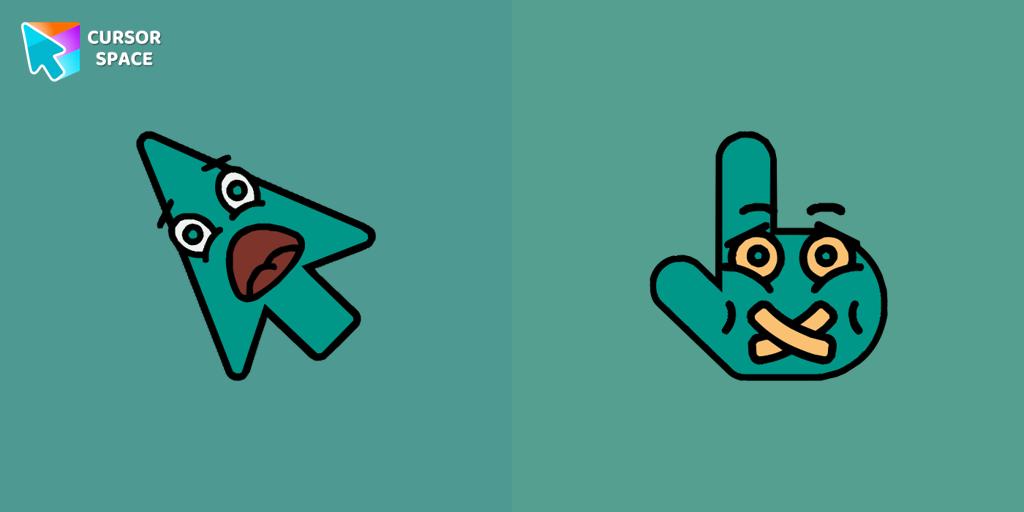 Scared cursor emodjiScared Cursor Emoji is a fun and expressive custom cursor for Google Chrome. With a wide-eyed startled emoji, it adds a playful touch of fright to your screen.
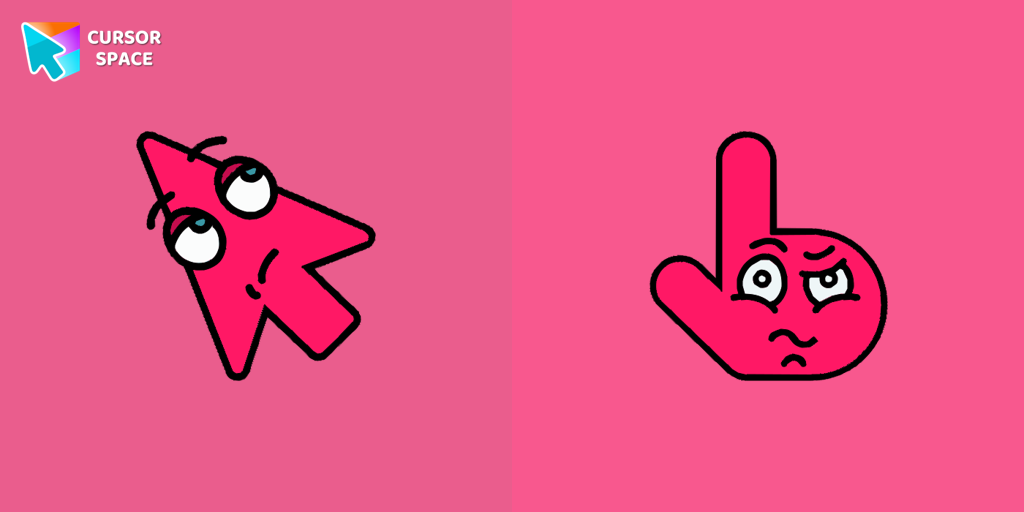 Boring cursorThe Boring Cursor Emoji is a relatable custom cursor for Google Chrome that features a yawning emoji, perfect for expressing boredom while browsing or working.
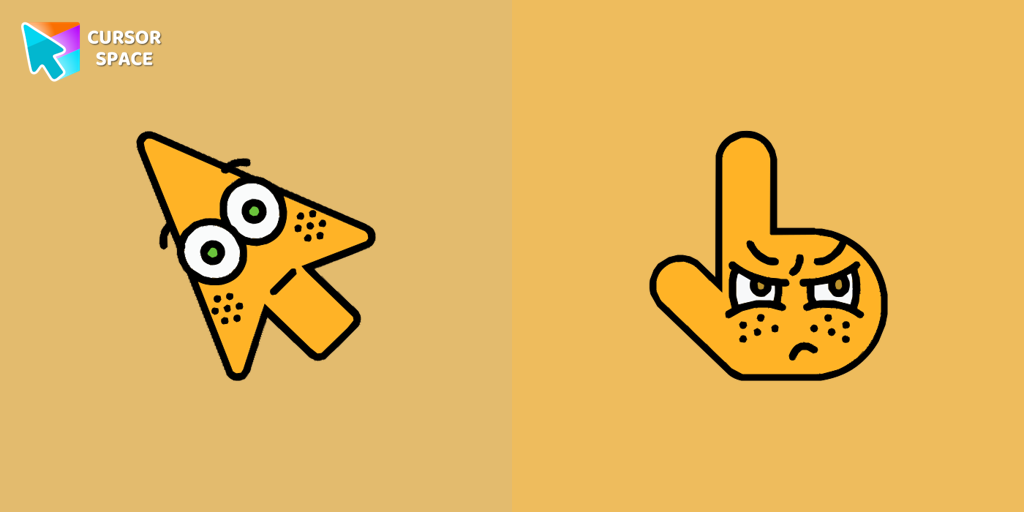 Surprised cursorThe Surprised Cursor is a fun custom cursor for Google Chrome that adds a quirky touch to your browsing. Enjoy an animated surprised face for a unique experience.
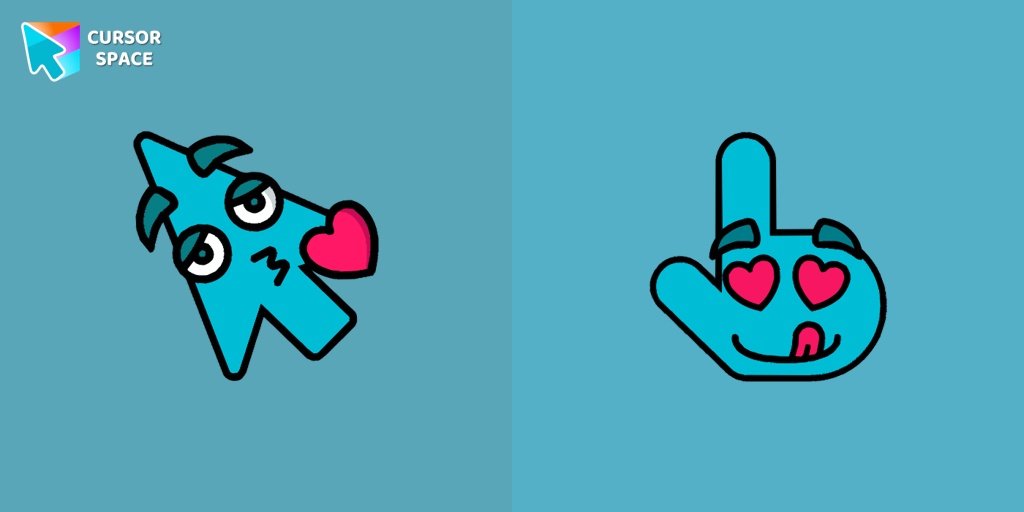 Enamored cursorThe Enamored Cursor is a romantic custom cursor for Google Chrome featuring a heart-eyed design that adds warmth and charm to your browsing experience.
 Cheerful cursorEnhance your browsing with a cheerful touch using a custom cursor for Google Chrome. Bring joy to your screen with a fun and vibrant custom cursor.
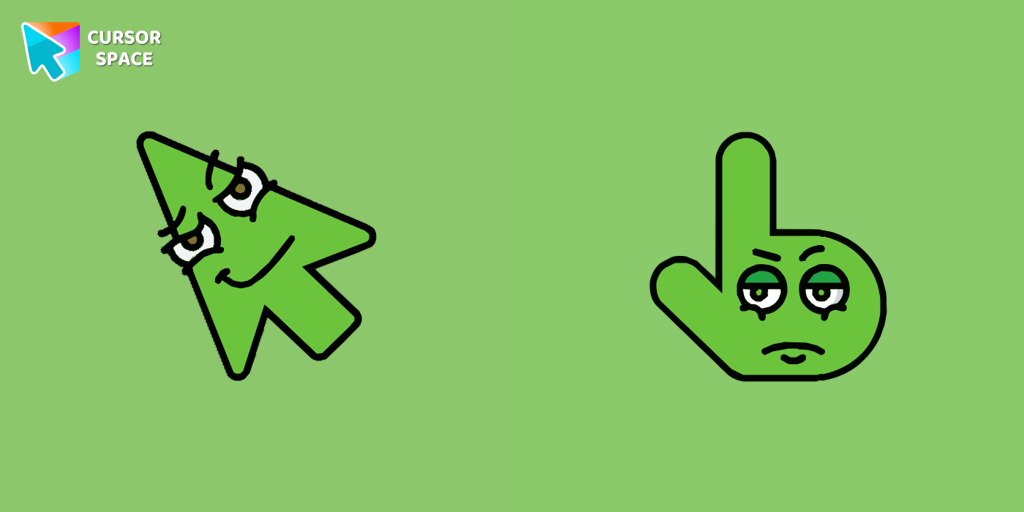 Cunning cursorThe Cunning Cursor is a sophisticated and intelligent custom cursor that enhances your browsing experience. Upgrade to this custom cursor for Google Chrome for a seamless and refined experience.
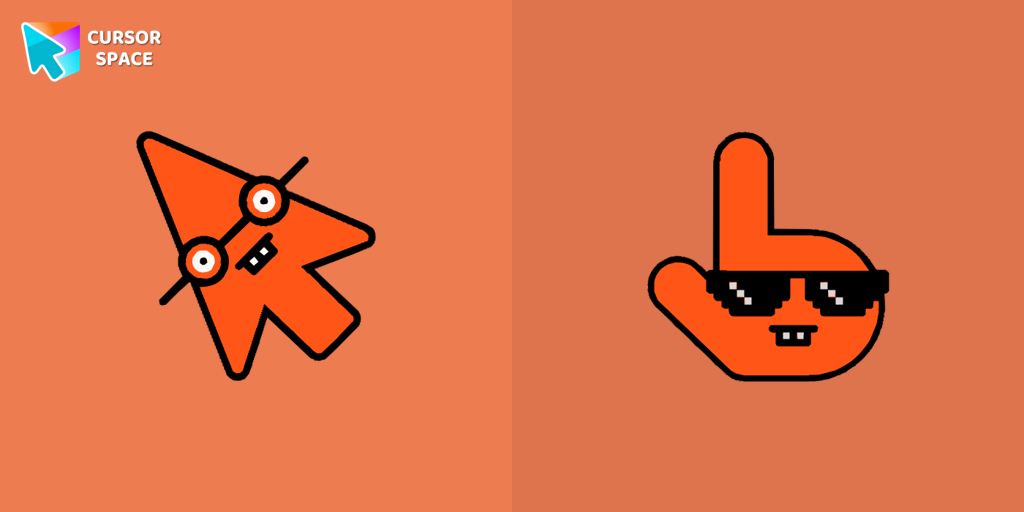 Nerd cursorThe Nerd Cursor is a fun and playful custom cursor for Google Chrome, featuring animated glasses to highlight your nerdy side. Add a quirky touch to your browsing.
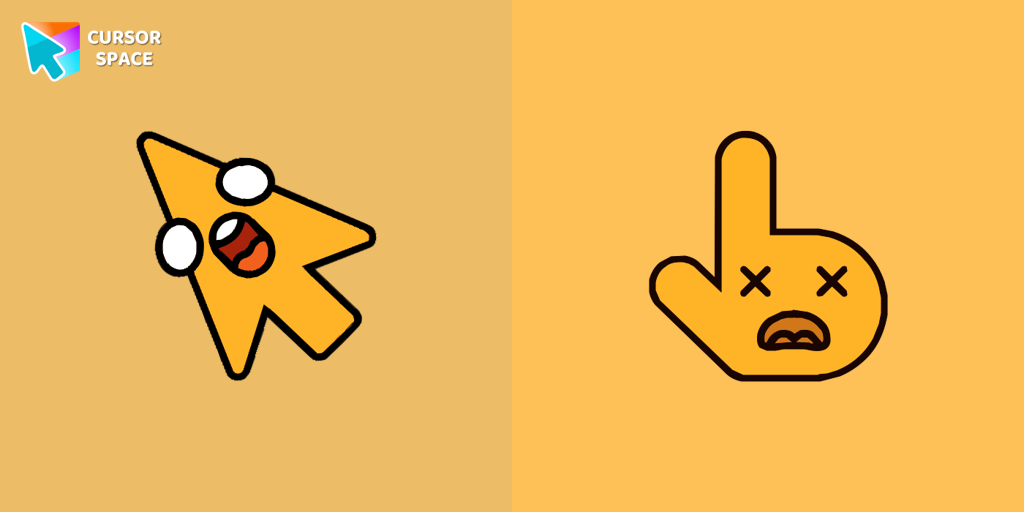 Shocked cursorThe Shocked Cursor is an electrifying custom cursor for Google Chrome, featuring wide-open eyes and a dropped jaw for a look of sheer astonishment.
 Flattened cursorThe Flattened Cursor Prank is a fun and mischievous custom cursor that creates a flattened effect to confuse friends. Try this custom cursor for Google Chrome for harmless fun.
 On the contrary cursorEnjoy a fun twist with the On the Contrary custom cursor for Google Chrome. This witty cursor moves opposite to your mouse, perfect for a light-hearted prank.
 Upside down cursorHave fun with the Upside Down custom cursor prank. This custom cursor for Google Chrome flips the screen, confusing friends and bringing endless laughs.
 On the other side cursorBaffle your friends with the On the Other Side custom cursor. This custom cursor for Google Chrome reverses mouse controls, turning navigation into a challenging task.
 Little Pointer cursor prankEnjoy a fun twist on browsing with the Little Pointer custom cursor for Google Chrome. This playful custom cursor shrinks your pointer, adding a touch of surprise and humor.
 Forbidden Pointer cursor prankTransform your browsing with the Forbidden Pointer custom cursor for Google Chrome. This fun prank cursor mimics a "no entry" sign, creating amusing and unexpected reactions.
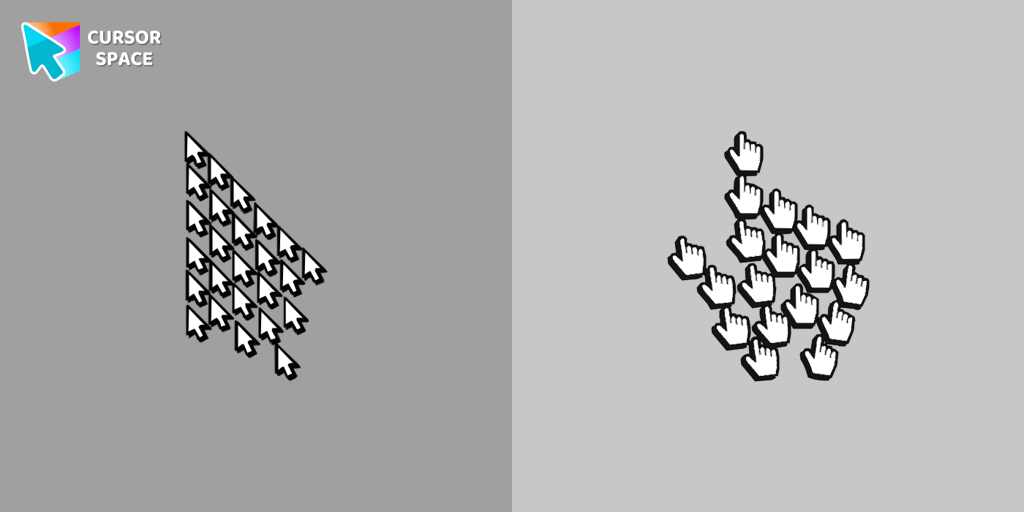 Multiple cursor prankExperience the fun of the Multiple Cursor prank with a custom cursor for Google Chrome. Add fake cursors to confuse and entertain while keeping only one functional.
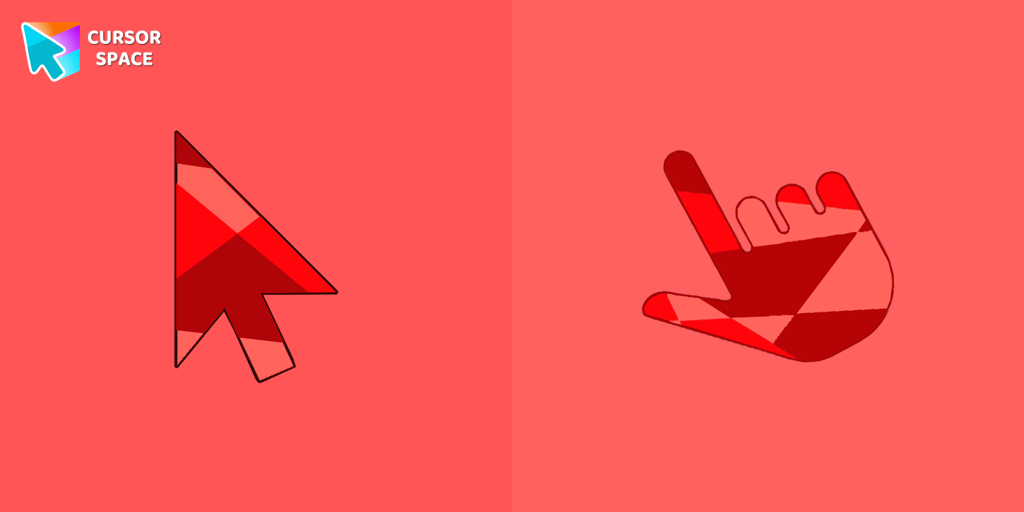 Ruby cursorRuby custom cursor for Google Chrome helps you track text input and operations in Ruby coding. Improve text processing and editing efficiency with ease.
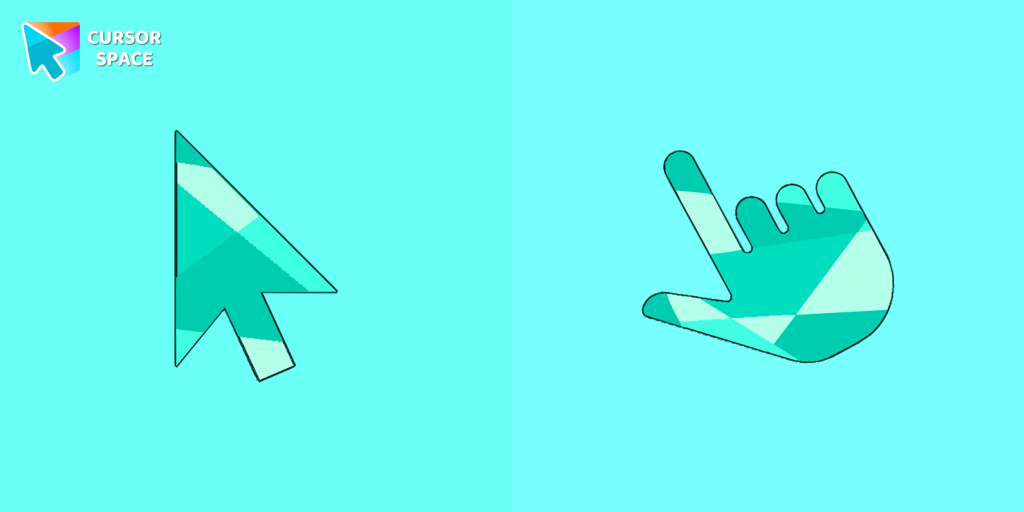 Emerald cursorEnhance your browsing with the Emerald custom cursor for Google Chrome. This gem-like green pointer adds elegance and personalization to your digital workspace.
 8 bit cursorEnhance your browsing with the 8-bit custom cursor. This custom cursor for Google Chrome adds a nostalgic, pixelated charm to your screen for a retro experience.
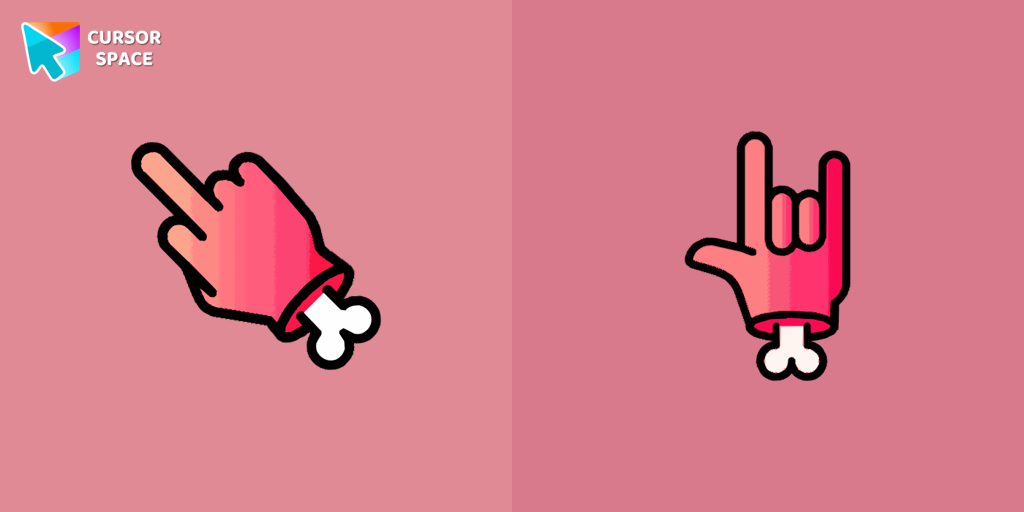 Zombie red hand cursorEnhance your browsing with the Zombie Red Hand custom cursor. This unique custom cursor for Google Chrome adds personality and a playful touch to your screen.
 Black triangle cursorCustom Cursor Space offers a variety of cute and customizable cursors. Try the black triangle custom cursor for Google Chrome to add style and uniqueness to your browsing.
Explore cursor packs by style
Cursor Space packs include curated cursor sets for everyday browsing: cute, minimal, anime, neon, pixel art, and more. Each pack comes with multiple cursor states (like default and pointer) and can be added to your browser in seconds.
Trending now
Fresh picks based on what people install most often.
Collections
Browse themed sets grouped by vibe and aesthetic.
Top charts
See weekly, monthly, and all-time leaders.
How to install a cursor pack
- Open any pack from the grid above.
- Click the install / add button on the pack page.
- If you don’t have it yet, install the Cursor Space browser extension.
- Apply the pack in the extension and enjoy your new cursor.
FAQ
Quick answers to common questions about cursor packs, collections, and installation.
Are cursor packs free on Cursor Space?
Most cursor packs on Cursor Space are free to browse and install. Some packs may be marked premium depending on licensing. The Cursor Space browser extension is free to install from the Chrome Web Store.
Do cursor packs work on Chrome and Edge?
Yes. Install the Cursor Space extension for Chromium-based browsers (Chrome, Edge, Brave), open a pack page, and click install/apply. The extension applies the cursor set across your browser.
How do I install a custom cursor pack?
Open the pack page, click the install or add button, install the Cursor Space extension if prompted, then apply the pack from the extension popup. Your new cursor appears immediately.
Can I change or remove a custom cursor later?
Yes. Open the Cursor Space extension, choose another pack, or restore the default system cursor from the extension settings.
Is the Cursor Space extension safe?
Cursor Space is distributed via the Chrome Web Store and Edge Add-ons. Keep the extension updated, and only install packs from trusted catalog pages on this site.